Workflows
Stop retyping invoices and forms: AI document entry
AI reads each invoice or form and pulls out the fields you need. A person checks them next to the original document, and the approved data goes into your accounting system, CRM or spreadsheet.
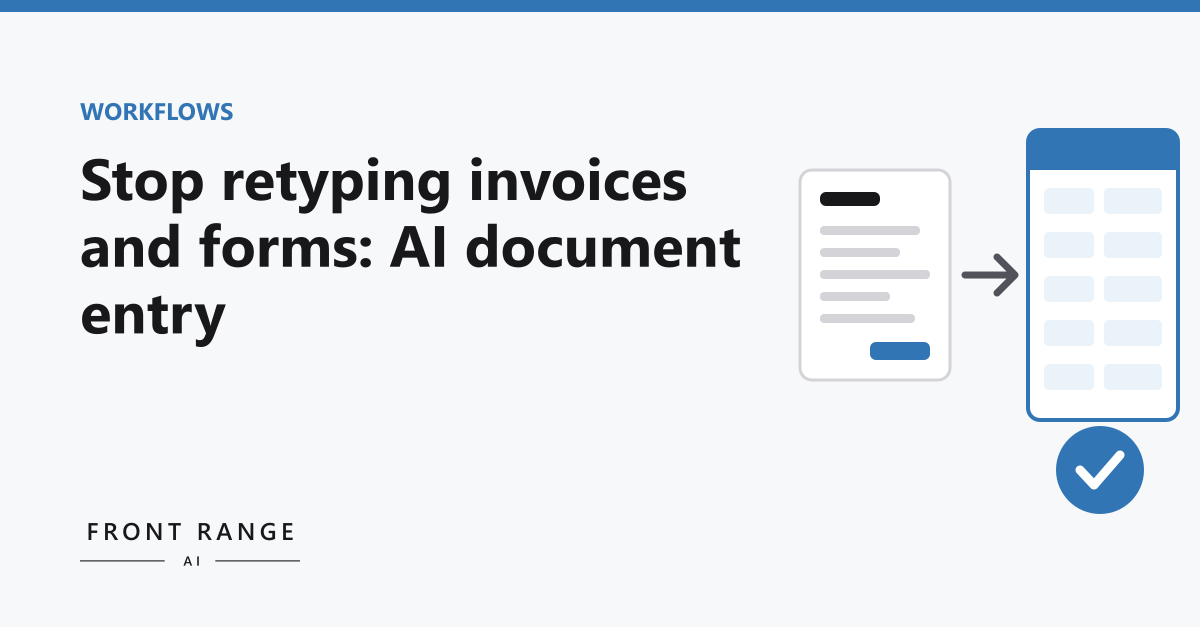
Somewhere in most businesses, a person has two windows open. On one side is a PDF: an invoice, an order form, an application, a packing slip. On the other is the accounting system, the CRM or a spreadsheet. They read a number on the left and type it on the right. Then the next field. Then the next document.
Nobody hired that person to retype things, but it can quietly take hours of their week. It is also one of the most practical places to put AI to work, because the job is narrow and the output is easy to check. This post covers how document entry works with AI, what makes it go well, and where people get burned.
Why this job suits AI
Older document software worked from templates. You told it that the invoice total lives in a particular box on a particular vendor's form, and it read that box. When the vendor changed their layout, it broke. Every new vendor meant a new template.
Current AI models read a document more like a person does. They can find the invoice number whether it sits at the top right or the bottom left, and whether it is labeled "Invoice #," "Inv No." or "Reference." That matters for small businesses, which tend to get documents from many senders with no two alike.
The job is also narrow. You are not asking the AI to make decisions. You are asking it to find specific fields and copy them out. That is a far easier task to check than open-ended writing.
What the workflow looks like
Documents arrive in one place. A dedicated inbox, a shared folder, or an upload page. If documents come in five different ways, the first job is to bring them together.
The AI reads each one. It pulls out the fields you care about: vendor, date, line items, totals, whatever your process needs. It also notes when it is unsure, like a smudged number or a field it could not find.
A person reviews. They see the original document next to the extracted fields, fix anything wrong, and approve. Uncertain fields are highlighted so the reviewer knows where to look first.
The data goes where it belongs. Once approved, the fields are written into your accounting system, CRM or spreadsheet, so nobody types them again.
The review step is not a formality. AI can misread a digit, pick up the wrong date when a document has several, or miss a line item on a second page. Checking extracted fields against the original is much faster than typing them, but it still has to happen.
Simple checks that catch mistakes
A good setup does not rely on the reviewer's eyes alone. Ordinary software can run checks on what the AI pulled out before a person ever looks at it.
- Do the line items add up to the total? If not, something was misread or missed.
- Is the vendor one you already know? A new name might be a new vendor or a misspelling of an old one.
- Is this a duplicate? The same invoice number from the same vendor should not be entered twice.
- Is the date reasonable? An invoice dated years in the past or months in the future deserves a second look.
Checks like these show the reviewer where to look hardest, so review goes faster. The reviewer still approves every document.
What you need before you start
A list of the fields that matter. Not every number on the page, just the ones that end up in your systems. Writing this list down is often the moment a team realizes how much it was retyping for no reason.
A pile of real examples. A few dozen documents from your actual senders, including the ugly ones: scans, phone photos, handwritten notes in the margin. Clean samples will make any approach look good. Your real mix is what tells you whether it works.
A destination that accepts data. If the system you type into has no way to import or connect, the build gets harder. That is worth knowing early.
Where it goes wrong
Testing on clean documents. The first test reads a crisp PDF perfectly. Then a faxed form with a coffee ring arrives. Always test on your worst documents, not your best.
Skipping review to save time. Once the results look good for a few weeks, it is tempting to approve without looking. Keep the review, and keep the checks running, so errors get caught before they reach your books.
Solving the wrong volume. Ten invoices a month is not a data entry problem. A few hundred might be. Count before you build.
Doing the math
A hypothetical. Say your team handles two hundred documents a month and each takes four minutes to key in by hand. That is a little over thirteen hours a month. If reviewing an extracted document took one minute instead, you would get back about ten of those hours. If you handle twenty documents a month, the same math says you would save about an hour, and it is probably not worth building anything.
Where to start
Our AI Opportunity Audit is the measured version of the math above. In 5 business days we map three to five of your workflows, time each step, and price every fix by hours saved and cost to build. The audit is $2,500 fixed, and the fee is credited toward a build of $5,000 or more signed within 14 days of your report.
Not ready yet? Take the free AI readiness quiz, or book a call and bring a few of the documents your team retypes.