Workflows
AI inbox triage for small teams
AI triage sorts a shared inbox before anyone opens it: it labels each message by type, routes it to an owner, flags what is urgent and pulls out the key details. Start with sorting, not with AI writing the replies.
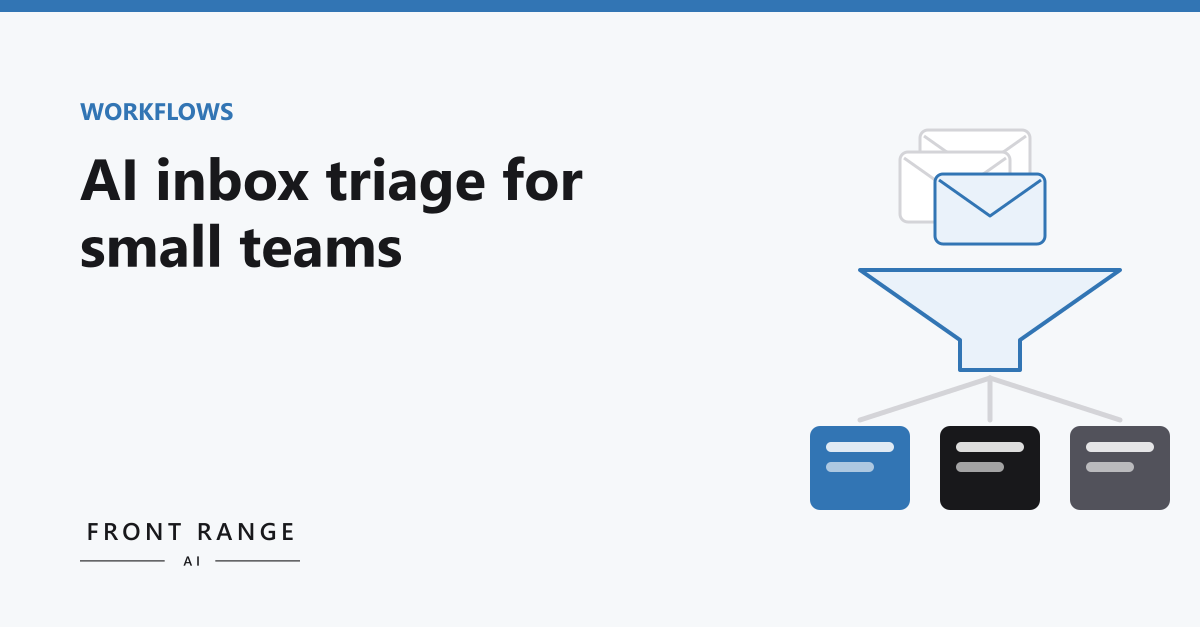
Most small teams have one inbox that everyone is a little afraid of. It might be info@, sales@ or support@. Leads land there, along with invoices, vendor pitches, customer questions, job applicants and a steady stream of things nobody needs to read. Someone checks it when they can. Important messages sit for a day because they looked like the unimportant ones around them.
Sorting that inbox is a good fit for AI. Not answering it, at least not at first. Sorting it. This post explains the difference, how a simple triage setup works, and how to tell whether it is worth doing for your team.
Triage is not the same as replying
When people picture AI in the inbox, they usually picture it writing replies. That is the riskiest place to start. A wrong reply goes to a customer with your name on it.
Triage is lower risk and often more useful. The AI reads each incoming message and answers a few questions about it. What kind of message is this? Who on the team should handle it? How soon? Is anything missing that we will need to ask for? Then it labels, routes or flags the message. A person still reads and answers it. They just find it faster, in the right place, with the context already pulled out.
If the AI gets a label wrong, the cost is small. Someone moves the message to the right folder. That makes triage a sensible first step, and a good way to learn how well AI handles your particular mail before you trust it with anything more.
What a simple setup does
- Sorts by type. New lead, existing customer, billing, vendor, recruiting, noise. Your categories, not a generic list.
- Routes to an owner. Leads to whoever handles sales, billing questions to whoever handles billing. On a small team that may be the same person wearing different hats, which is fine.
- Flags what is urgent. A customer who says something is broken, a deadline in the message, a reply to a proposal you sent.
- Pulls out the details. Name, company, what they want, any dates or amounts, written as a short summary at the top so the reader does not have to dig.
- Drafts, when you are ready. For routine questions you answer the same way every time, it can prepare a draft reply for a person to review, edit and send.
Start with your categories, not the tool
The most useful hour you can spend before building anything is reading a week of your own inbox and sorting it by hand. Make a column for each kind of message and count. You will learn three things.
First, what your categories actually are. They are rarely what people guess. Second, how much of the volume is noise that could be filtered with ordinary rules, no AI required. Third, which messages are slow to handle and why. Sometimes the delay is reading. Sometimes it is looking up the customer in another system. Those are different problems with different fixes.
That count also gives you a baseline. Without one, you cannot tell later whether the triage helped.
Rules first, AI second
Your email software already has filters. Messages from a known vendor, receipts from a payment processor, newsletters you signed up for: these follow patterns that simple rules catch reliably, and rules are cheaper than AI and never surprise you.
AI earns its place on the messages rules cannot sort. A new person writes in, and you cannot tell from the address or subject line whether it is a lead, a complaint or a sales pitch. Reading the message is the only way to know. That is the job to hand to AI. A good setup uses both: rules for the predictable mail, AI for the rest.
Where it goes wrong
Auto-replying too early. An automatic reply has no way to notice that an unusual message needed a real answer, and the customer is the one who finds out. Keep a person on every reply. Let the triage prove itself on sorting before it drafts anything.
Too many categories. Twenty labels sound precise. In practice they blur together and nobody checks them. Five to eight that map to who handles what is usually enough.
No one owns the misfires. Some messages will land in the wrong place. Decide who checks the labels for the first few weeks and how corrections get fed back, so the setup gets better instead of quietly drifting.
Is it worth it for your team?
A hypothetical to show the math. Say a shared inbox gets eighty messages a day and someone spends a minute and a half on each just opening, reading enough to decide what it is and forwarding it. That is two hours a day, or about ten hours a week, of sorting before any real work starts. If triage cut most of that, the person doing it would get a good part of a day back each week.
Now say the inbox gets fifteen messages a day. The same math gives you a little over two hours a week, and a few well-written filters may get you most of the way there. For some teams, the honest answer is that this is not worth building yet. That is a useful answer too.
Where to start
Our AI Opportunity Audit measures this kind of work directly. In 5 business days we map three to five of your workflows, time each step, and rank the fixes by hours saved and cost to build, including a build-or-skip call on each. The audit is $2,500 fixed and is credited toward a build of $5,000 or more signed within 14 days of your report.
If you would rather start smaller, take the free AI readiness quiz, or book a call and tell us what your inbox looks like.